Showing posts with label xclub. Show all posts

Wednesday, December 21, 2016

What Android phone should an Android developer buy in 2016?

A serious android developer should have more than one phone. Ideally, you should have at least one nexus-like device to test everything. Since the OS is unaltered in the nexii, it’s easy to locate the source of any problems. Then, you should get some extra devices, with more or less ram, different screen size, different brands (go for popular vendors in that case). In general terms:

If you need the phone purely for testing, you could as well go for Genymotion and test on so many devices with different screen sizes and all that.

If you want a ‘new, classy phone', you may try the google pixel. Its from google. Google officially supports android. Google did the hardware. Google did the software. There are nice reviews for the pixel on the internet. You have extra bucks to spend? You might as well go for the Google Pixel

-Keep a low range device (anything with ICS, the minimum supported version now).

-A mid range device (an old flagship or nexus 4 or 5) . You should do the bulk of the testing here.

-A high specs device (a nexus or pixel). Ideally, this one should be in the latest android version possible.

Wednesday, December 14, 2016

How to Root android phones, Infinix, and other models

Kingo Android Root has launched its KingoRoot apk for Android, which provides a universal one-click Android root solution for Android users. It is easy to use and saves the trouble to connect to PC via USB cable.
Before jumping into the rooting process, please make sure you get everything right beforehand.
  • Device powered on.
  • At least 50% battery level.
  • Internet connection necessary (Wi-Fi network suggested).
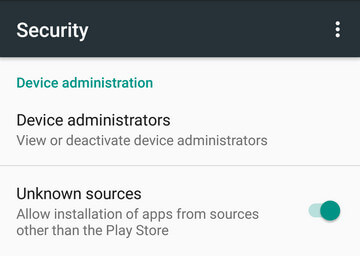
  • Allow installation of apps from unknown sources.
     Settings > Security > Unknown Sources        

Root Android via KingoRoot APK Without PC Step by Step


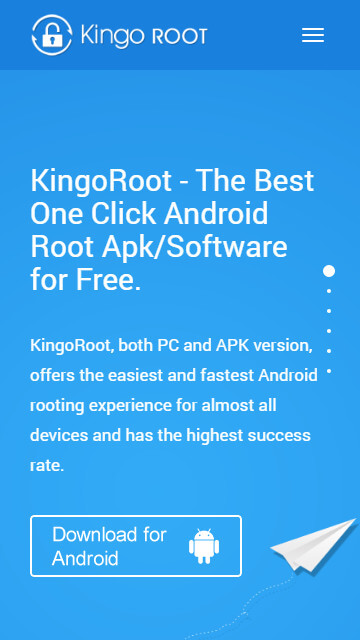
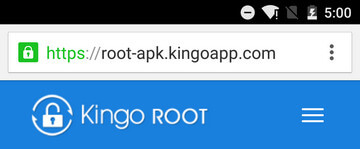
Step 1: Free download KingoRoot.apk.

Root Android with KingoRoot apk, without connecting to PC
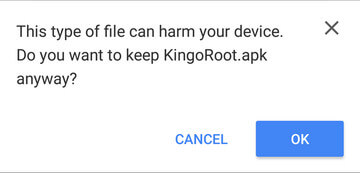
The download will be automatically started. If Chrome has warned you about KingoRoot.apk, click "OK" and  procced


KingoRoot Apk Download, the best one-click root apk for free
If you are using PC to view this tutorial, you have three choices.

Step 2: Install KingoRoot.apk on your device.

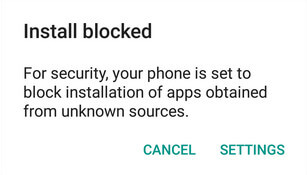
If you didn't check "Unknown Sources" in Settings > Security, then during installation, you will get a prompt "Install blocked", stating that "For security, your phone is set to block installation of apps obtained from unknown sources".
Root any Android device with KingoRoot, the best one-click Android apk root tool.
Just follow phone instructions and install Kingo Root on your device and allow installs from "Unknown Sources".
Root any Android device with KingoRoot, the best one-click Android apk root tool.

Step 3: Launch "Kingo ROOT" app and start rooting.

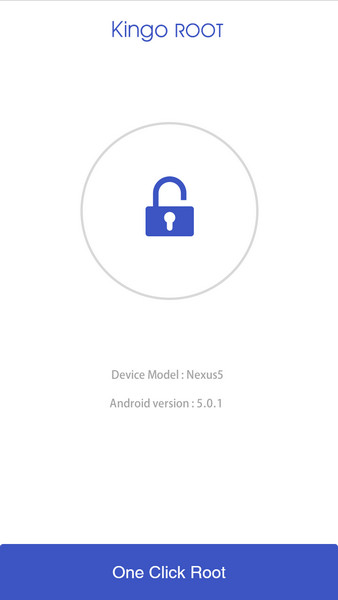
Kingo Root is very user-friendly and easy to use. Click "One Click Root" to start the rooting process.
Kingo Root Apk Main Interface

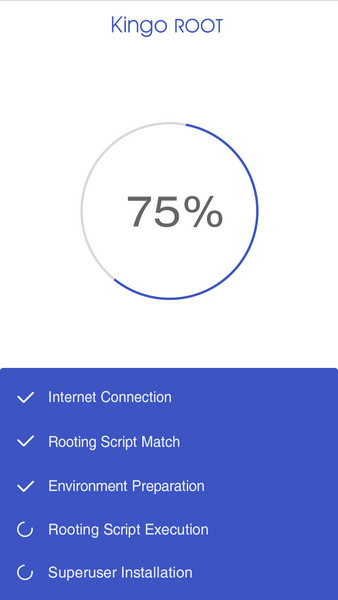
Step 4: Waiting for a few seconds till the result screen appear.

Kingo Root Apk Rooting

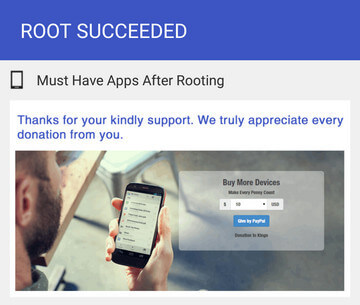
Step 5: Succeeded or Failed.

It is highly recommended that you try several times when rooting with KingoRoot apk version. We have several rooting methods integrated in apk root, however, it will only run one at a time.
Kingo Root Apk Root Succeed
credit: kingoroot website